Click to download now, finish the installation quickly, and directly unlock the all-round experience
Screenshots
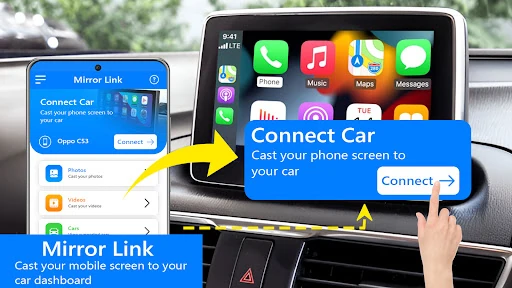
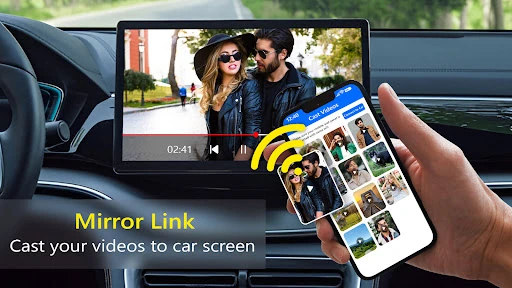
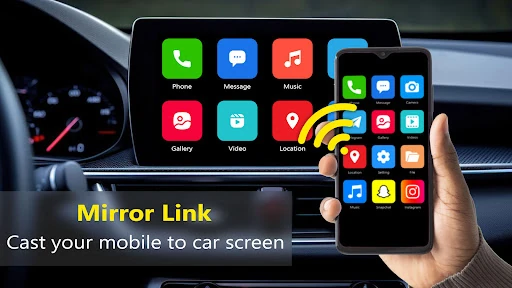
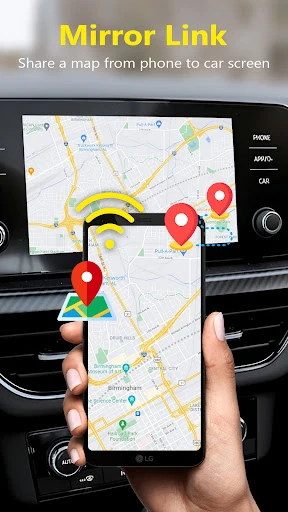
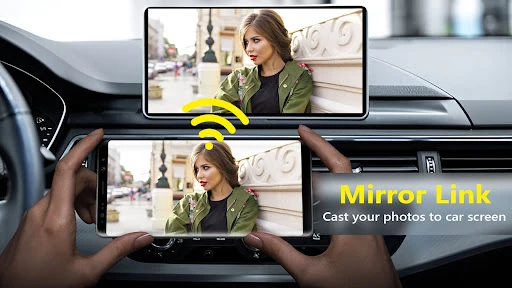
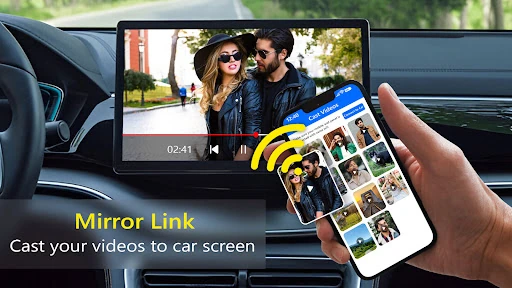
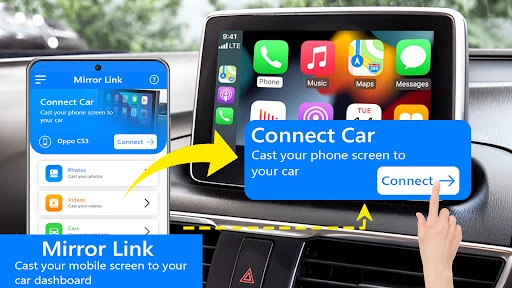
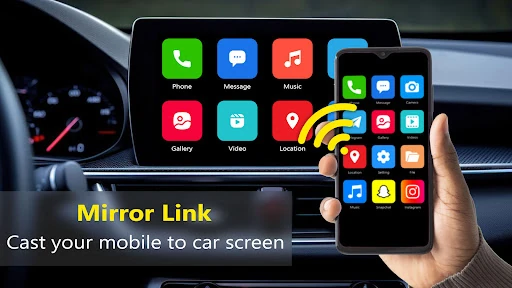
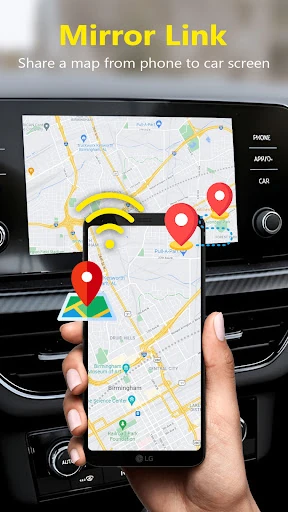
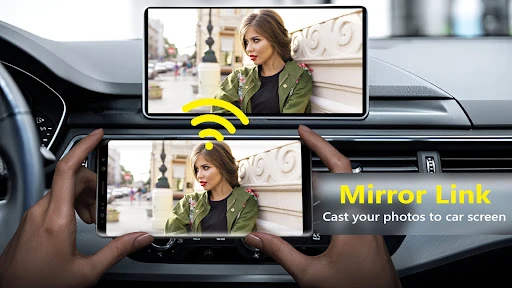
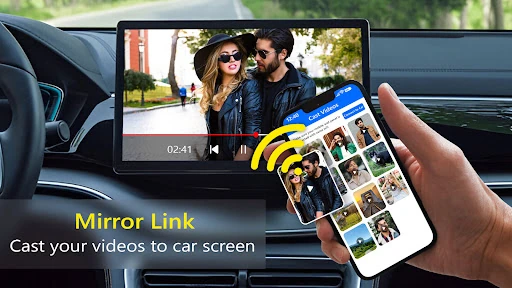
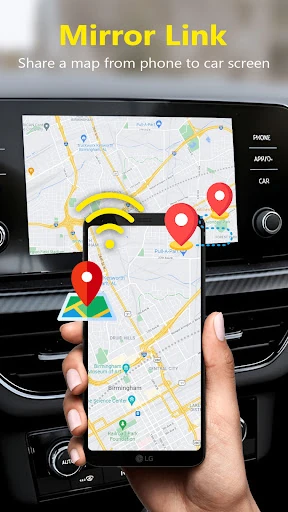
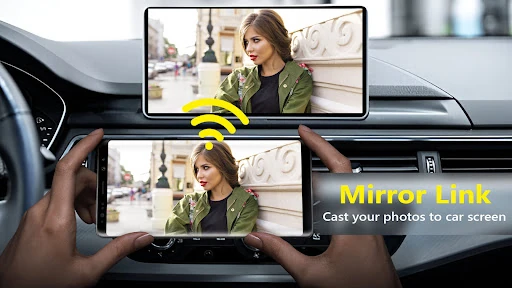
Click to download now, finish the installation quickly, and directly unlock the all-round experience
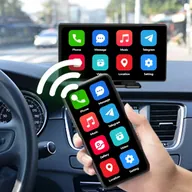
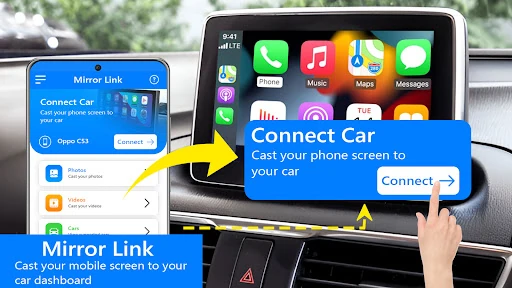
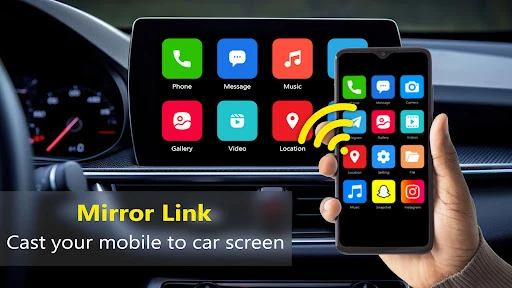
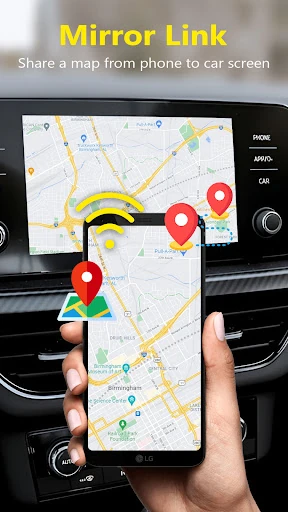
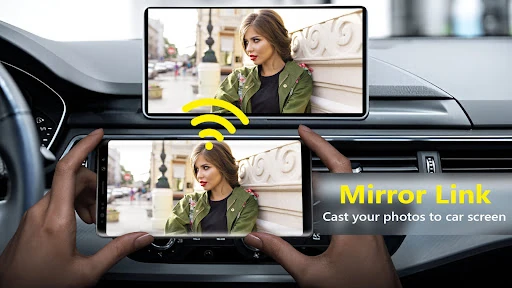
Mirror Link App for Car is a connectivity utility for people who want to link an Android phone with a vehicle display. It is aimed at drivers testing or using phone-to-car screen sharing through options such as Miracast, PhoneLink, MirrorLink, and Android Auto. The app sits in the Libraries & Demo category and focuses on demonstrating ways a phone can connect with compatible in-car systems.
The app brings several car-display connection methods together rather than focusing on one vehicle brand. Depending on the phone and head unit, it can be used as a starting point for wireless mirroring or PhoneLink pairing. It also references P-Link car kit compatibility, giving users with supported hardware another connection path to check.
This app is most relevant to users comparing phone-link options, checking whether a vehicle supports a particular display method, or exploring wireless dashboard connectivity. Results depend on the phone, car system, and supported protocol, so it is better viewed as a connection and demonstration utility than as a replacement for every vehicle’s built-in software.
Mirror Link App for Car is published by Smart Photo Lab. It has a rating of 3.92 out of 5 from 395 reviews and has recorded 10,000+ installs. Those figures place it among the more established entries in this small utility category, while the review count gives potential users some feedback to consider before testing it with their own car setup.