
Click to download now, finish the installation quickly, and directly unlock the all-round experience
Screenshots
Click to download now, finish the installation quickly, and directly unlock the all-round experience
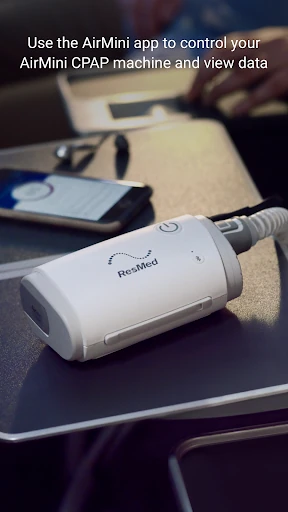
AirMini™ by ResMed is a companion app for people using ResMed’s compact AirMini CPAP machine. It connects to the device by Bluetooth, allowing users to start and stop therapy from a phone and review information from their sleep sessions. The app is intended for AirMini users who want to manage therapy while travelling or away from a larger CPAP setup.
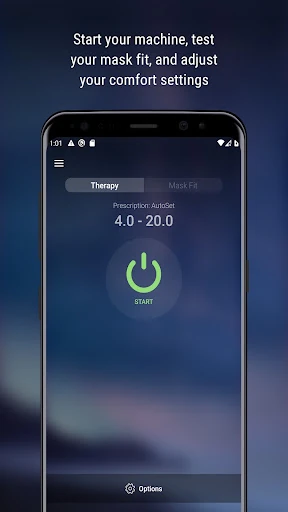
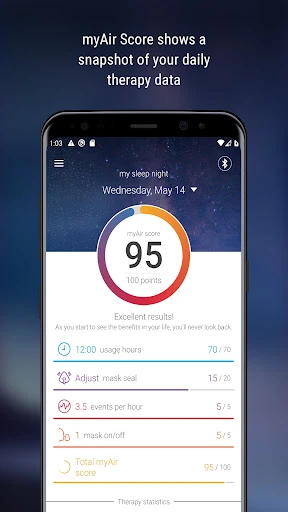
The app records useful therapy details, including usage time, mask seal quality and the apnea-hypopnea index (AHI). These readings can help users follow their treatment between appointments. It also provides access to available comfort settings, such as ramp time and pressure relief, within the limits set for the device and prescribed therapy.
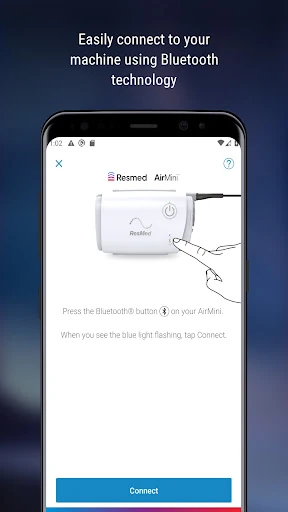
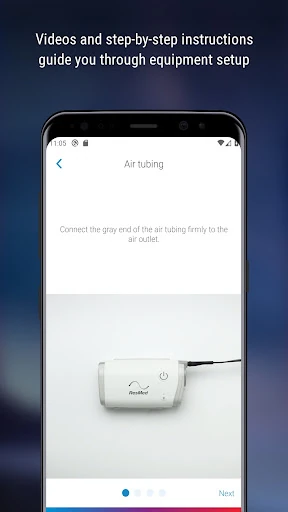
Guided instructions help new users connect the machine and prepare for a first session. A test-drive option introduces the feel of CPAP therapy before a full night’s use, while troubleshooting guidance focuses on common mask-fit and leak issues. The app is most useful when paired with the AirMini hardware; it is not a general sleep tracker for people without that device.
AirMini™ by ResMed is listed in the Medical category and is developed by Resmed. It has a 2.17 rating from 945 reviews and more than 100,000 installs. Those figures suggest that the app has a substantial user base, while the modest rating is worth considering alongside your AirMini equipment and therapy needs.